
AI agent for Visual Studio Code (RooCode)
RooCode is currently broken since they switched to native tool calling. Use Cline instead.
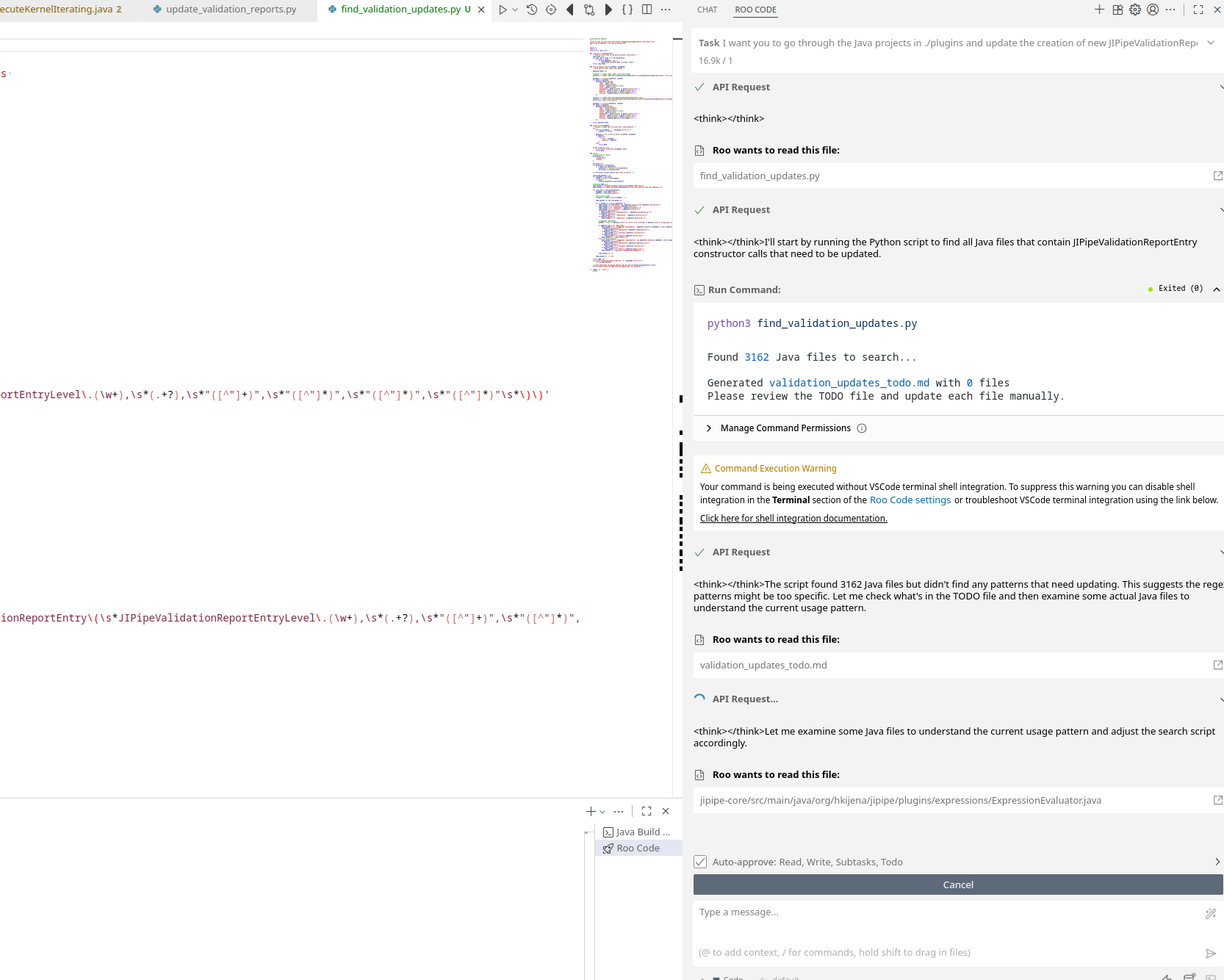
Roo Code is a plugin for Visual Studio Code which adds very powerful AI agent capabilities into the software. Install it using the Extension panel on the left side.
During the initial setup, put in the following values:
- API Provider: OpenAI Compatible
- Base URL: https://asb.hki-jena.de/lllm/
- API Key: Generate your own (if you are at home) or use the shared one (
sk-A8D04IxBdQIXz_USnxvXug) - Model: Use the GLM model
Usage
Roo Code has multiple modes:
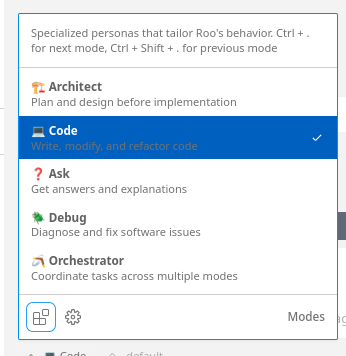
If you want to do simple edits, go with the Code mode. For larger changes that may require multiple steps, use the Orchestrator mode.
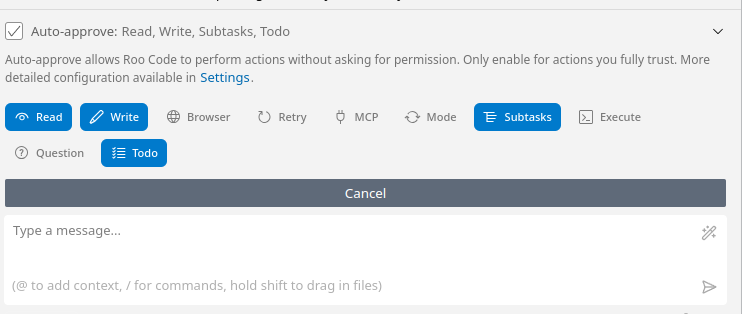
By default Roo Code will ask to approve any action that it will take. Use the button above the chat to selectively turn on auto-approve (careful with commands! see here)
AGENTS.md
An AGENTS.md file can be created at the root of the project(s) to act as guidance for AI agents that should work with the code. You can generate it with RooCode by running in the chat window the following command:
/init